
Overview
Single Sign-On (SSO) is an enterprise feature that lets your users authenticate into AI Insurance using identity providers you already trust. We currently support:- Sign in with Google
- Sign in with Microsoft
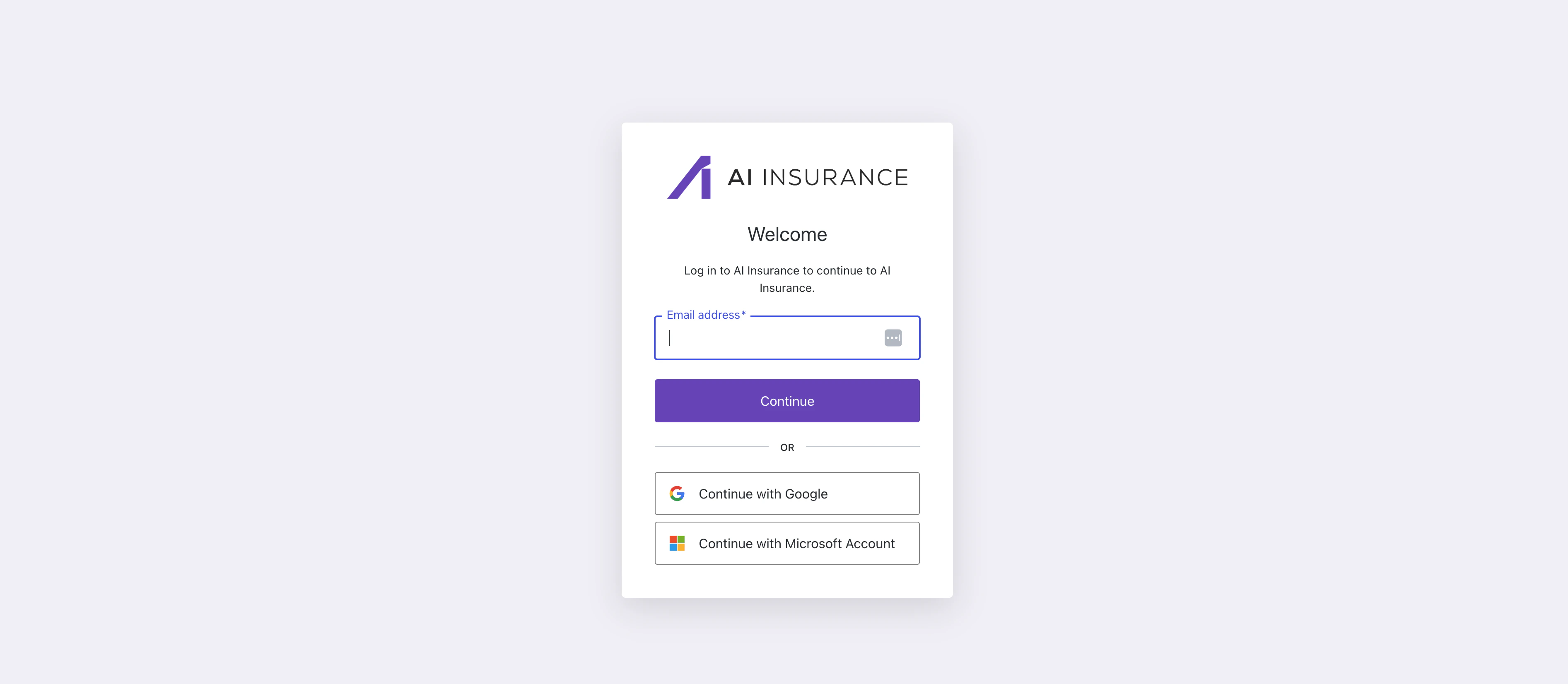
How Users Sign In
- Navigate to your AI Insurance login page:
https://app.aiinsurance.io - Choose one of:
- Continue with Google
- Continue with Microsoft Account
- Complete the IdP prompt (MFA, approvals, etc.). You’ll be redirected back and signed in.