Feature Summary — “Delete Policy” Action
When a user deletes a policy under Actions → Delete Policy, the system will:- Delete the policy from active records
- Void all associated invoices automatically
How to Delete a Policy
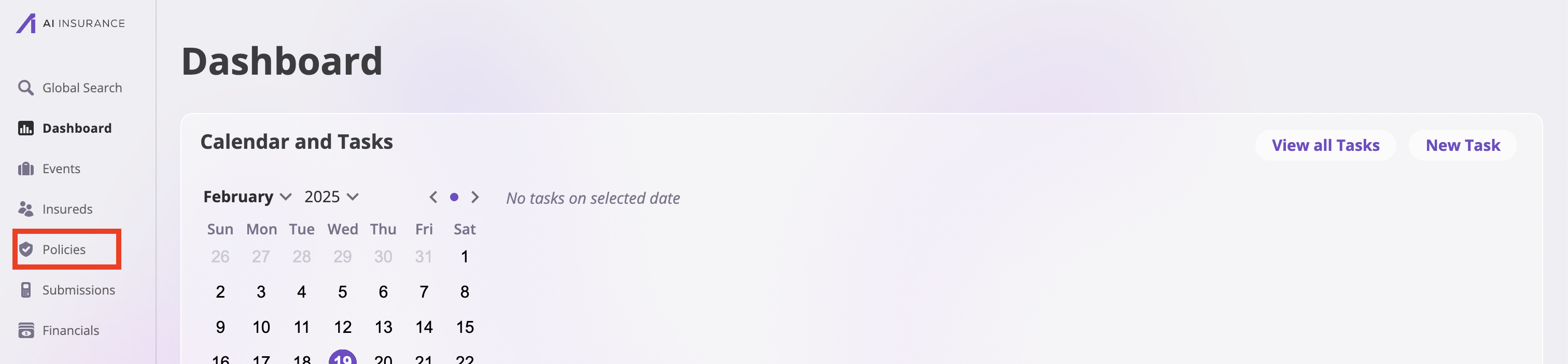
Take the following steps to delete a policy:- Navigate to the Policies page by clicking the Policies tab on the sidebar.
- On the Policies page, search through the list of the policies and select the policy you would like to delete.
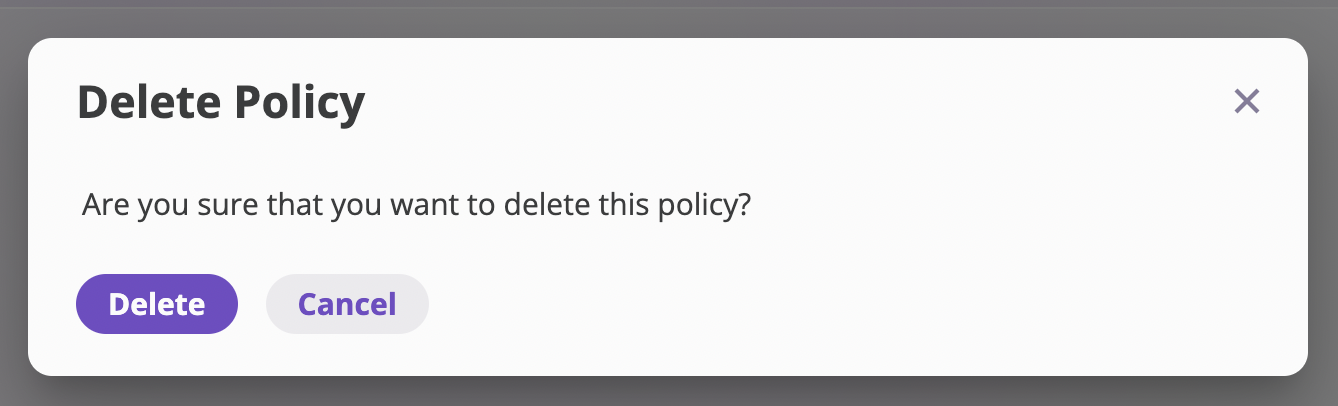
- In the specific policy page, navigate to the Actions dropdown on the top right of the page and select Delete Policy from the options. This action opens up a Delete Policy modal.

- Confirm the policy deletion by clicking the Delete button.