
Changing Coverage Limits
How to Change Coverage Limits
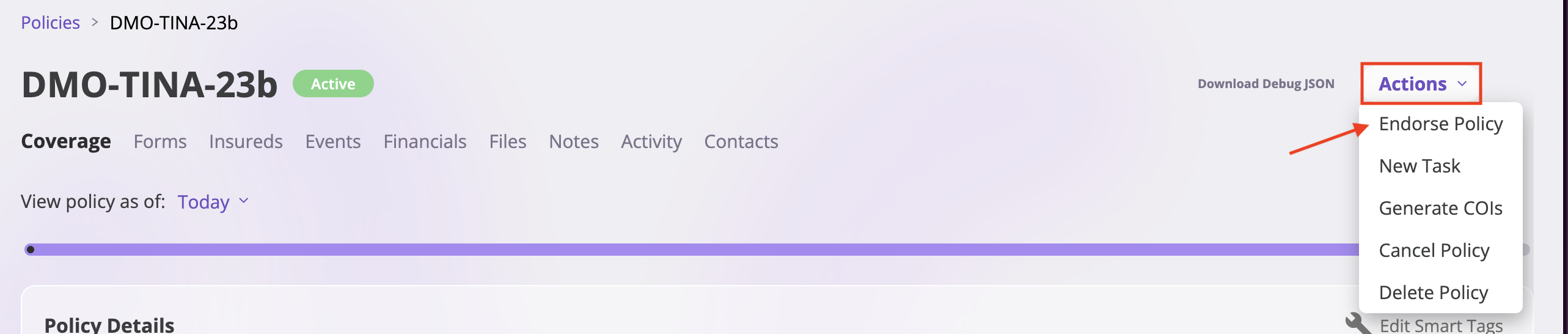
- On the policy page, click “Action” in the top right corner
- Select “Endorse Policy”
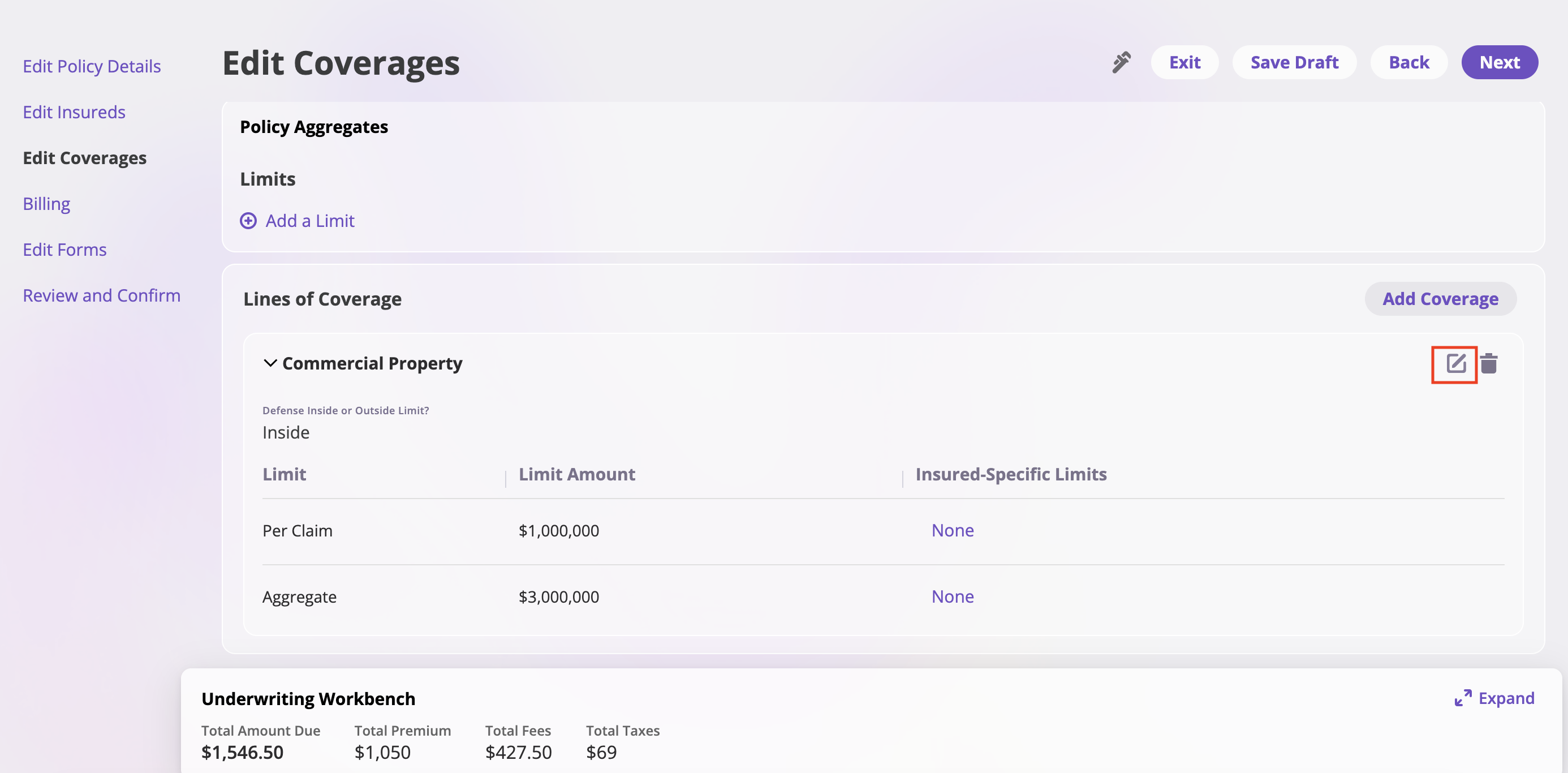
- Click the edit icon to edit the limits
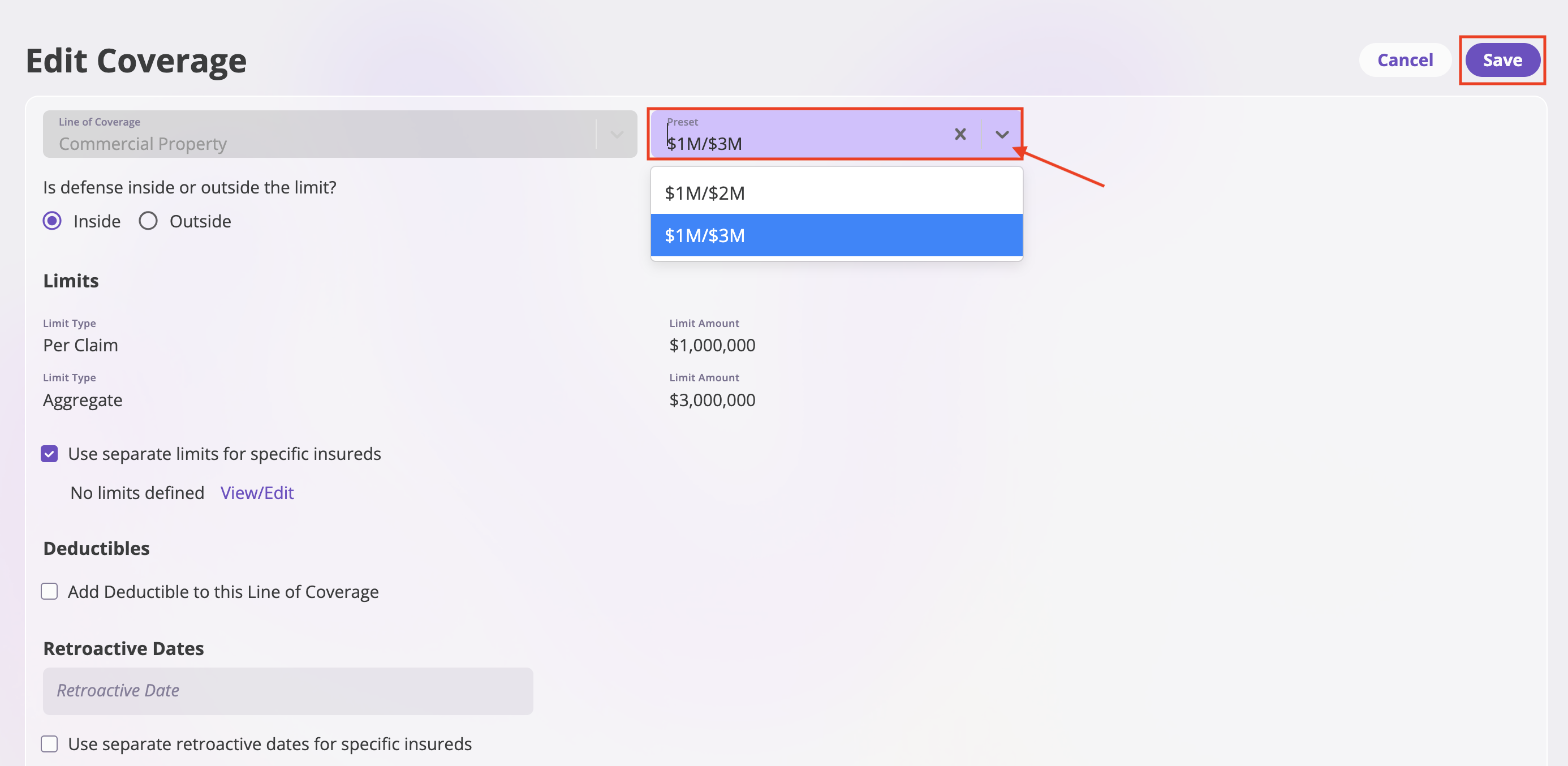
- Use the dropdown box for the presets where you can edit the limits
- Click “Save” to apply your changes
Changing Coverage Names
To change the name of a coverage or line of coverage, see Changing Coverage Names.Requesting New Coverage Limit Presets
If you need to change the preset options available, you’ll need to reach out to support:Email Support
Send an email to support@aiinsurance.io with:- Subject: “New Coverage Limit Preset Request”
- Policy number and details
- Specific limit combinations needed
- Justification for the new preset options