> ## Documentation Index
> Fetch the complete documentation index at: https://docs.aiinsurance.io/llms.txt
> Use this file to discover all available pages before exploring further.
# Activity Feed
The Activity Feed is an immutable timeline that records and displays a history of actions, events, and user changes within the AI Insurance platform. It’s a valuable tool for promoting transparency and accountability, providing a real-time overview of user interactions, system events, and changes to notes or other relevant data. Users can rely on the Activity Feed to stay updated on the progression of activities and changes within the system.
The Activity Feed is available for the **Events**, **Insureds**, and **Policies** entities. This documentation will provide further details:
## Invoice Due Date Tracking
The Activity Feed now automatically tracks changes to invoice due dates, providing better transparency and accountability across your organization.
### How It Works
When invoice due dates are updated, the system automatically creates activity log entries that appear on the related parent entity (Policy, Event, etc.).
* **Automatic Logging**: Any changes to invoice due dates are automatically recorded
* **Parent Entity Visibility**: Due date updates appear in the activity feed of the related policy or event
* **Real-time Updates**: Changes are immediately reflected in the activity feed
* **Audit Trail**: Provides a complete history of due date modifications
### What Gets Tracked
* **Due Date Changes**: When an invoice due date is modified
* **User Information**: Who made the change and when
* **Previous Values**: What the due date was changed from and to
* **Related Context**: Which policy or event the invoice belongs to
This enhancement ensures that all stakeholders can see when invoice due dates are updated, providing better transparency and accountability across your organization.
## Insureds Activity Feed
Follow these steps to find the Activity Feed on Insureds:
1. Go to the **Insureds** page on the platform by clicking on the **Insureds** tab on the sidebar by the left.
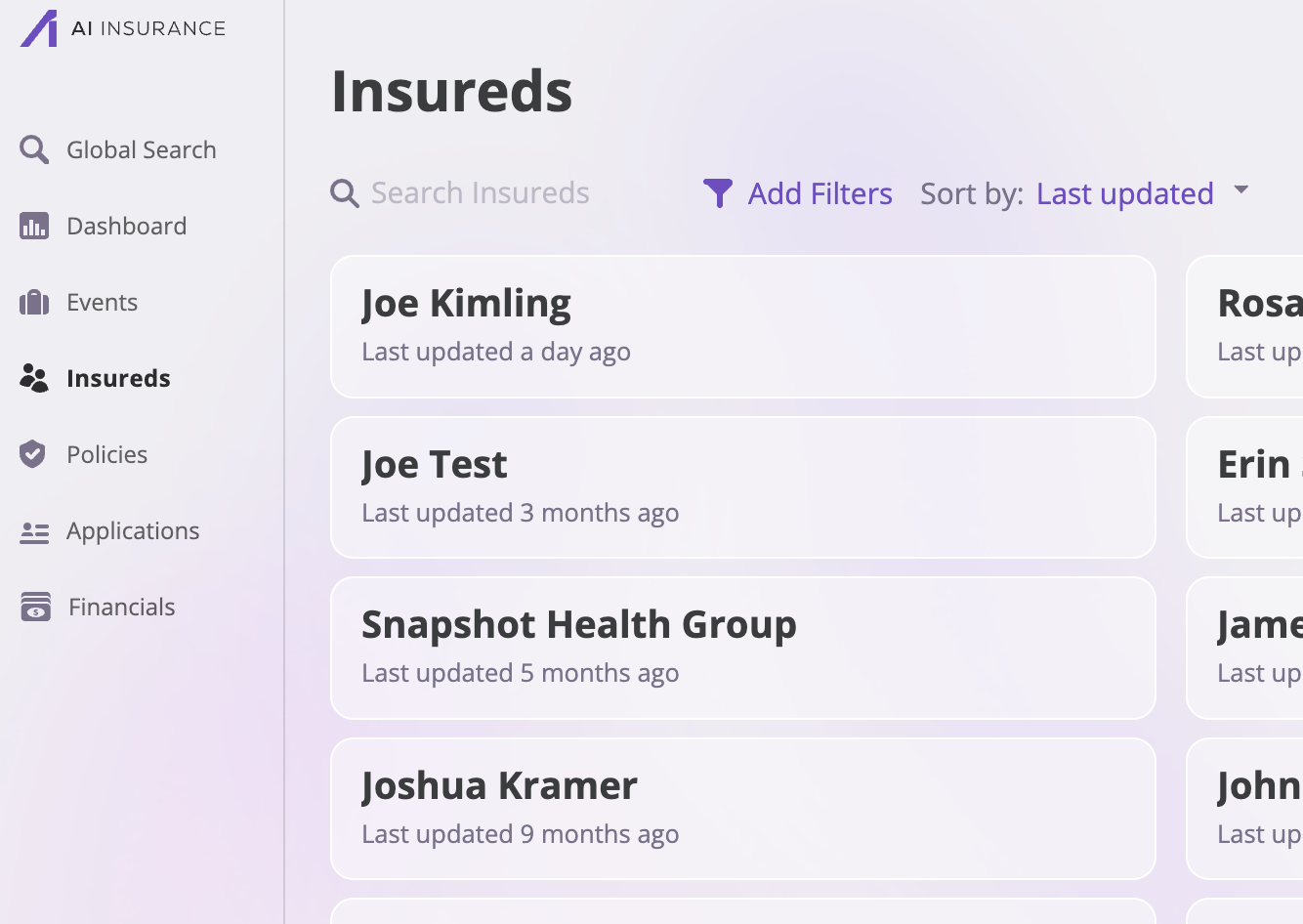 2. Search through the list of Insureds.
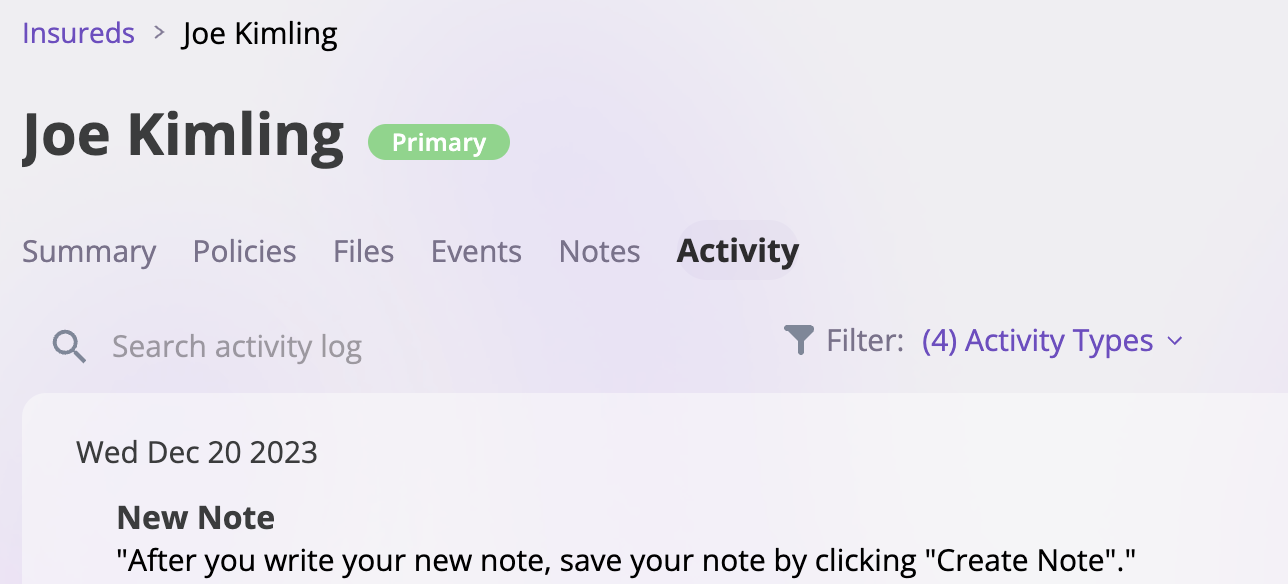
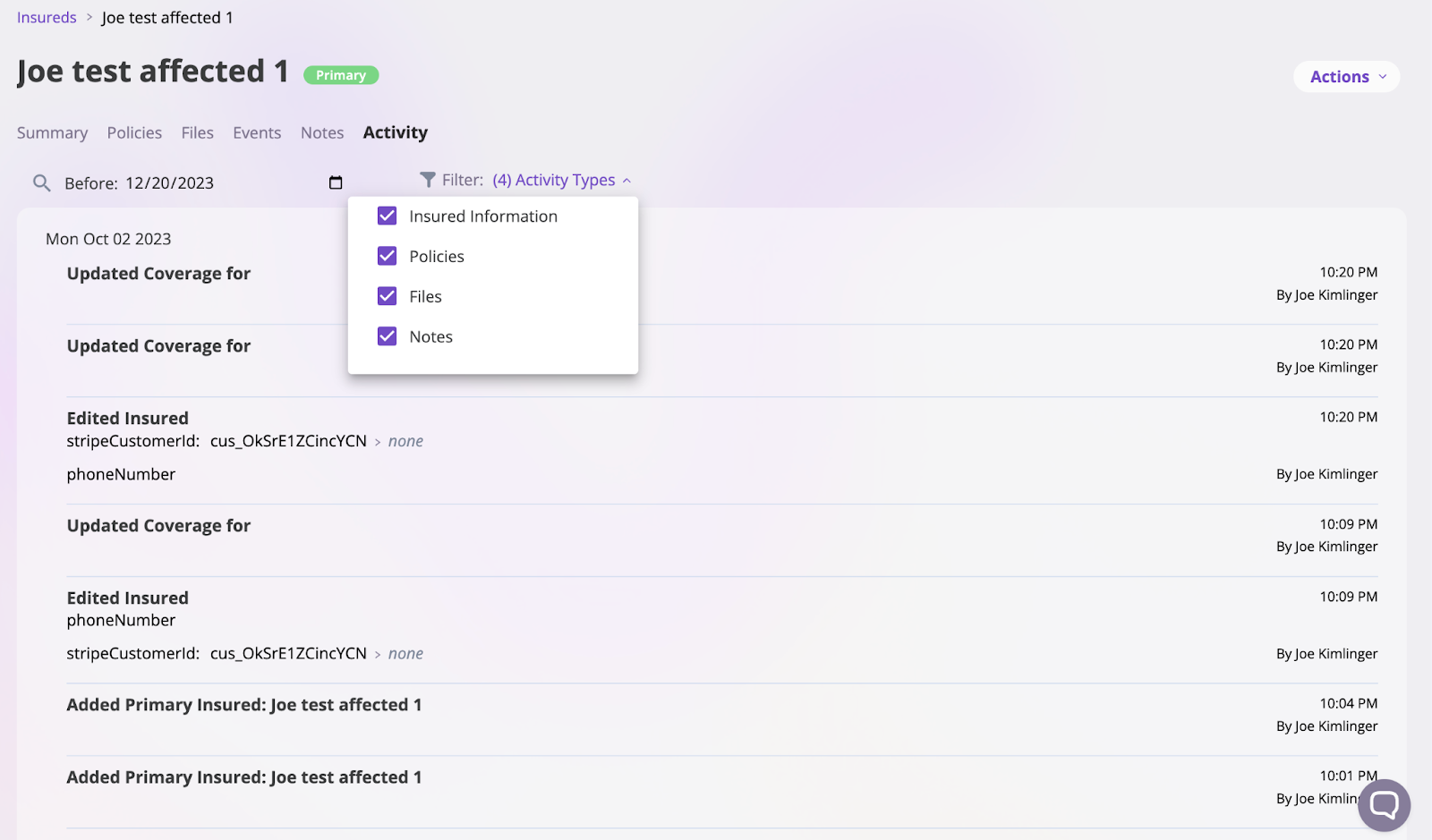
3. Select the **Activity** tab to open the Activity Feed.
2. Search through the list of Insureds.
3. Select the **Activity** tab to open the Activity Feed.
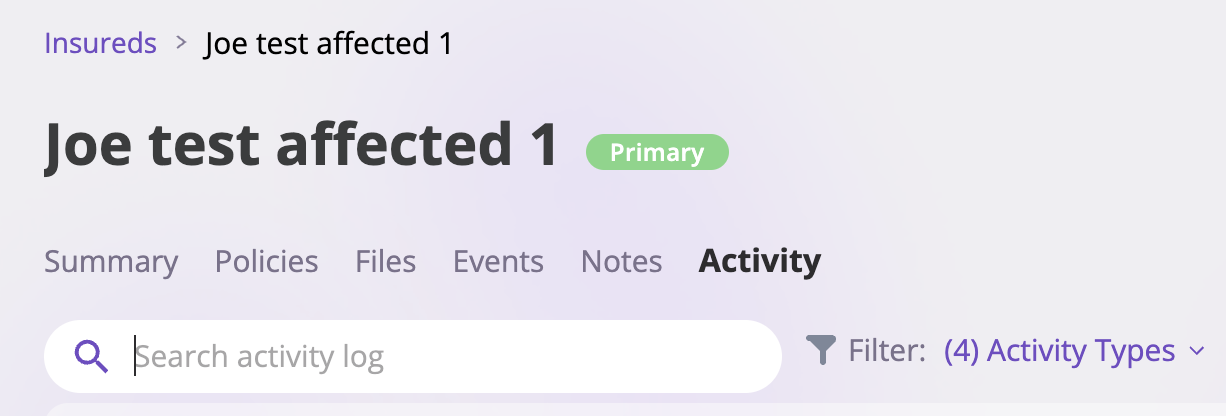
 4. Next, you can filter through the Activity Feed or search to find specific actions, changes, or events that happen to the particular Insureds.
 ## Events Activity Feed
Follow these steps to find the Activity Feed on an Event, whether Claims or Incidents:
1. Go to the **Events** page on the platform by clicking on the **Events** tab on the sidebar on the left
2. Select what group of Events you would be looking through, whether **Claims** or **Incidents**.
## Events Activity Feed
Follow these steps to find the Activity Feed on an Event, whether Claims or Incidents:
1. Go to the **Events** page on the platform by clicking on the **Events** tab on the sidebar on the left
2. Select what group of Events you would be looking through, whether **Claims** or **Incidents**.
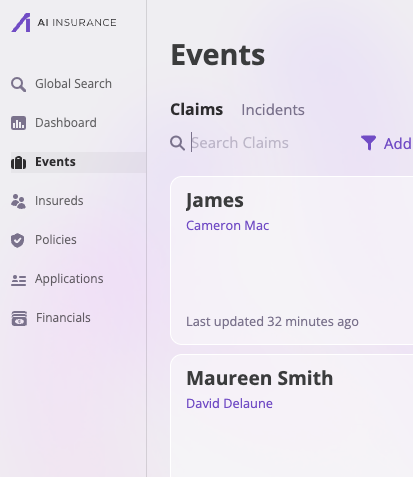 3. Search through the list of Events (Claims or Incidents).
4. Select the **Activity** tab from their designated Event page to open the Activity Feed.
3. Search through the list of Events (Claims or Incidents).
4. Select the **Activity** tab from their designated Event page to open the Activity Feed.
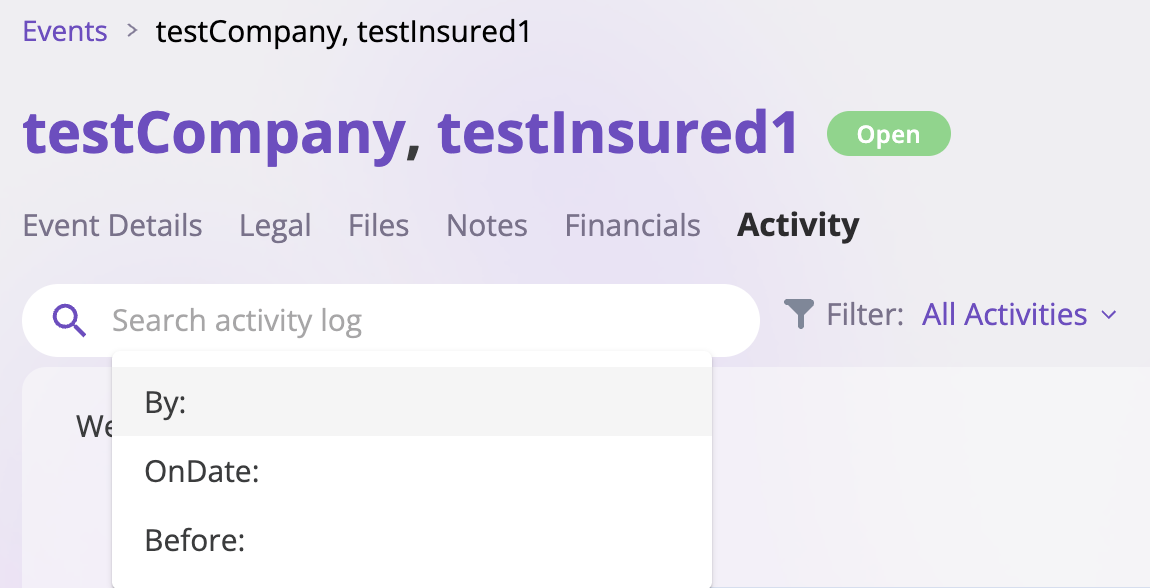
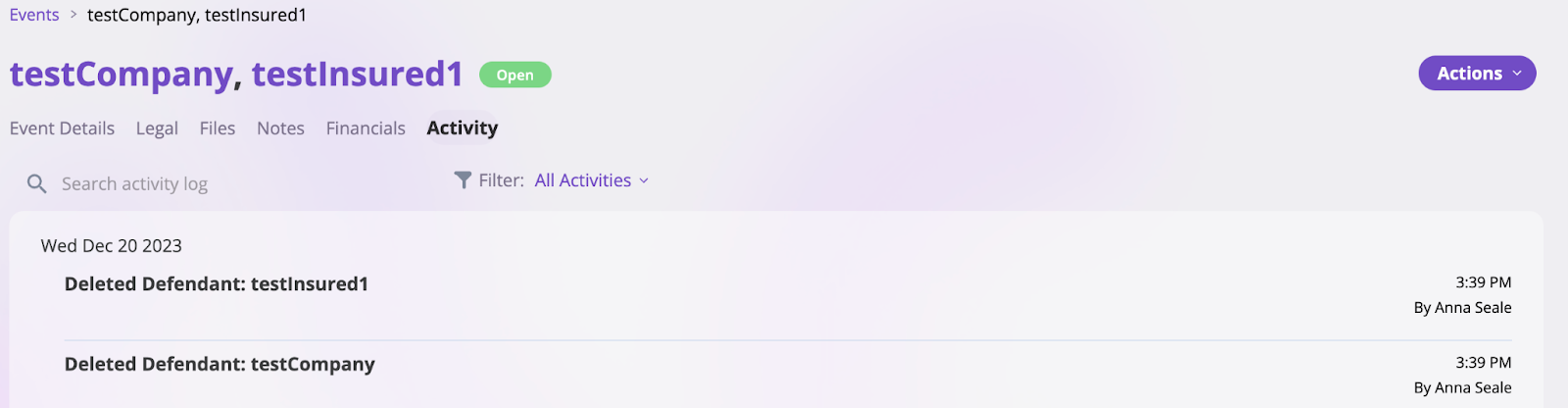 5. Next, you can filter through the Activity Feed or search for specific actions, changes, or events related to a particular Event.
 ## Policies Activity Feed
To find the Activity Feed on Insureds, which contains every action and user change that occurred on a single Insured, follow these steps:
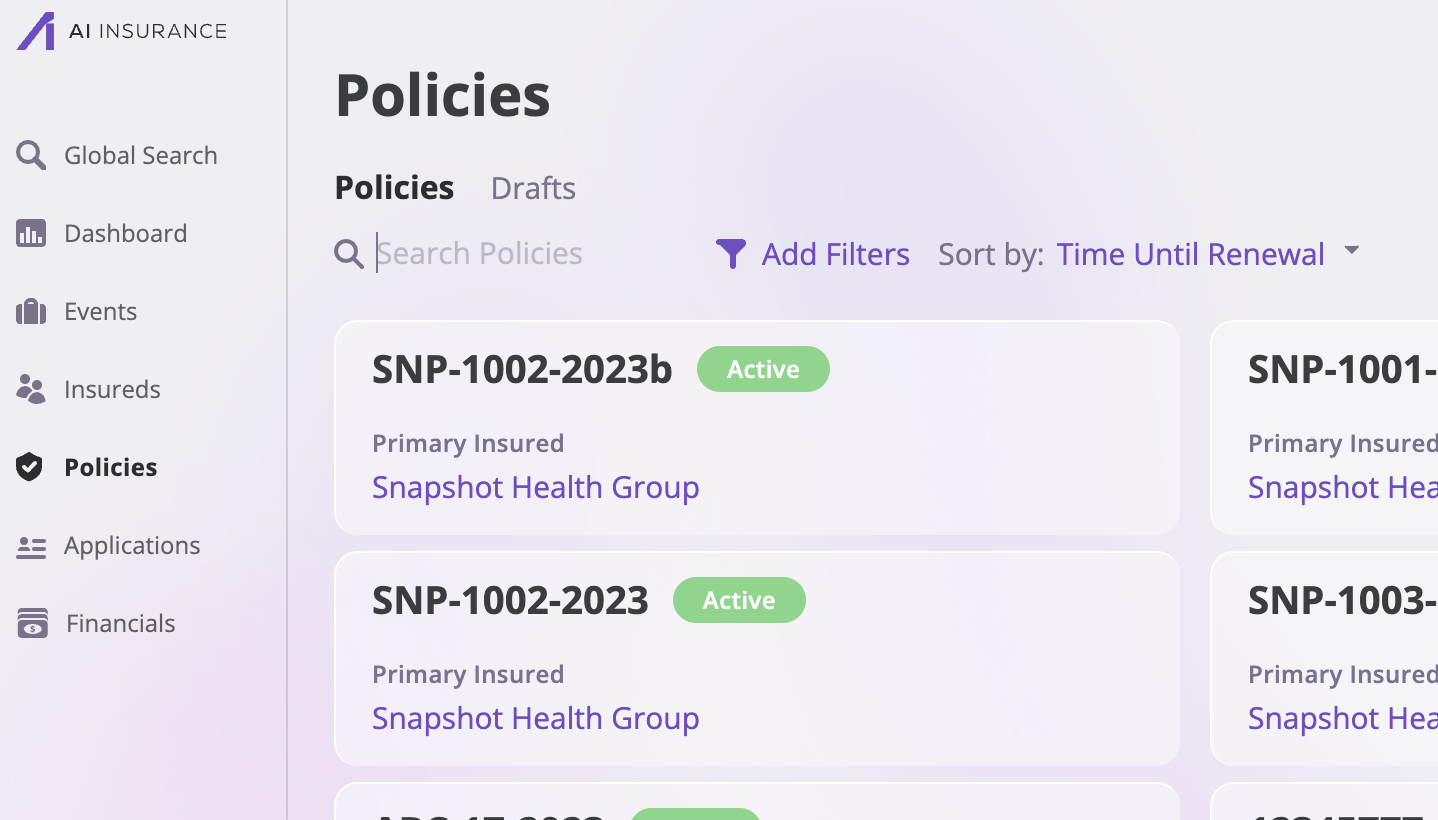
1. Go to the Policies page on the platform by clicking on the **Policies** tab on the sidebar by the left
2. Search through the list of **Policies** either manually or using the search bar, and select the policy of your choice.
## Policies Activity Feed
To find the Activity Feed on Insureds, which contains every action and user change that occurred on a single Insured, follow these steps:
1. Go to the Policies page on the platform by clicking on the **Policies** tab on the sidebar by the left
2. Search through the list of **Policies** either manually or using the search bar, and select the policy of your choice.
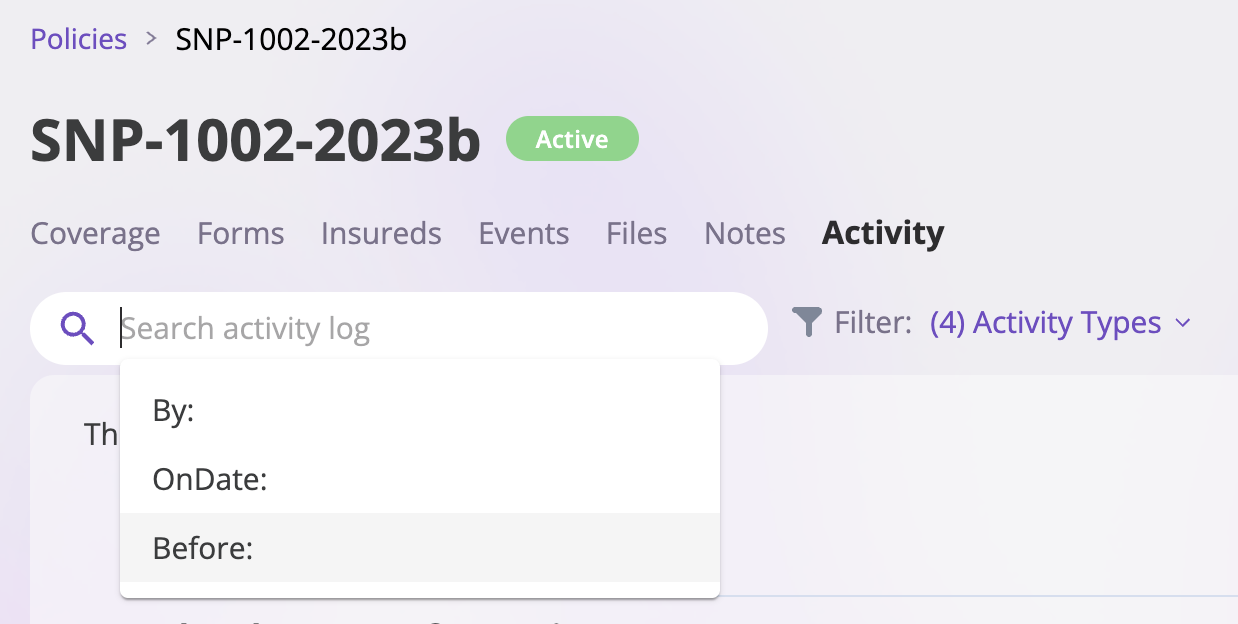
 3. Select the **Activity** tab to open the Activity Feed on their designated Policy page.
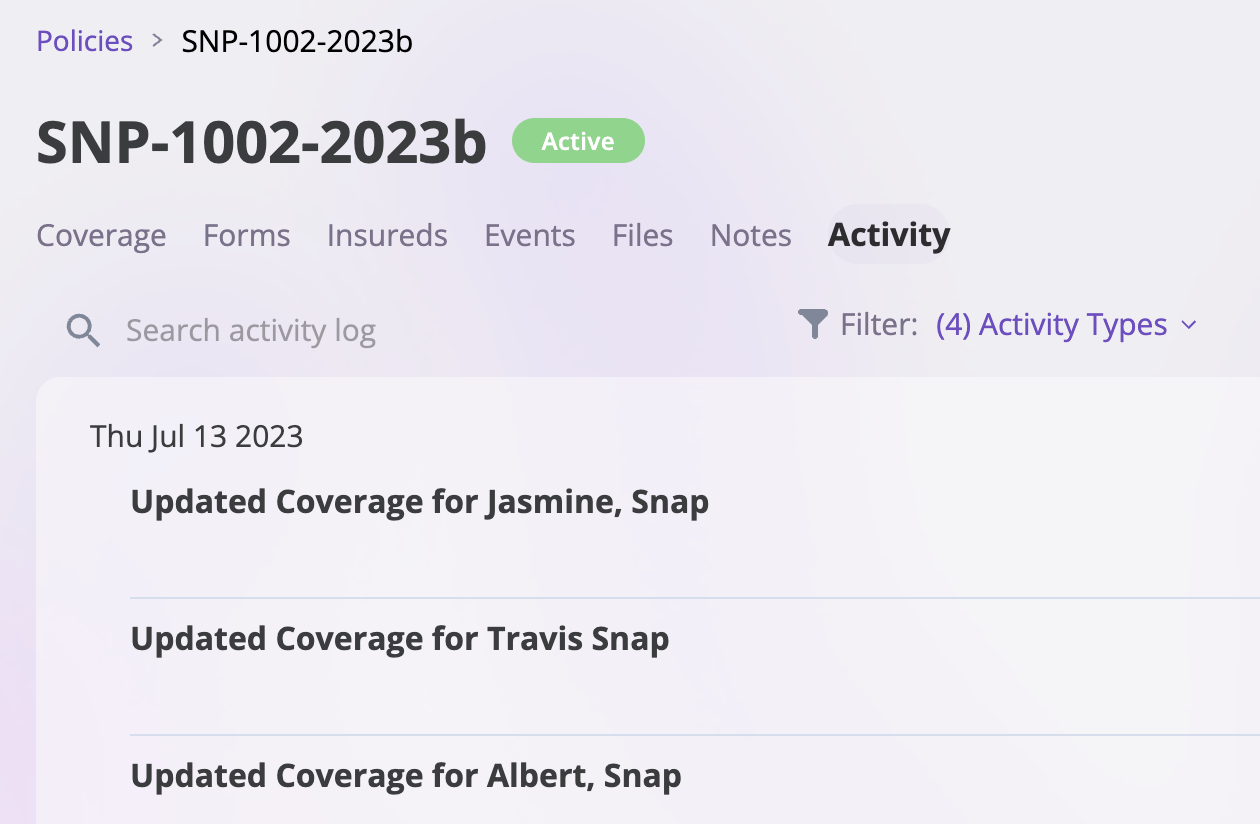 4. Next, you can filter through the Activity Feed or search for specific actions, changes, or events related to the Policy.