> ## Documentation Index
> Fetch the complete documentation index at: https://docs.aiinsurance.io/llms.txt
> Use this file to discover all available pages before exploring further.
# Customer Support Portal
## Access the Customer Support Portal
The Customer Support Portal provides a centralized location to get help, submit tickets, and find answers to common questions.
To access the portal, visit: [https://support.aiinsurance.io/customer-portal](https://support.aiinsurance.io/customer-portal)
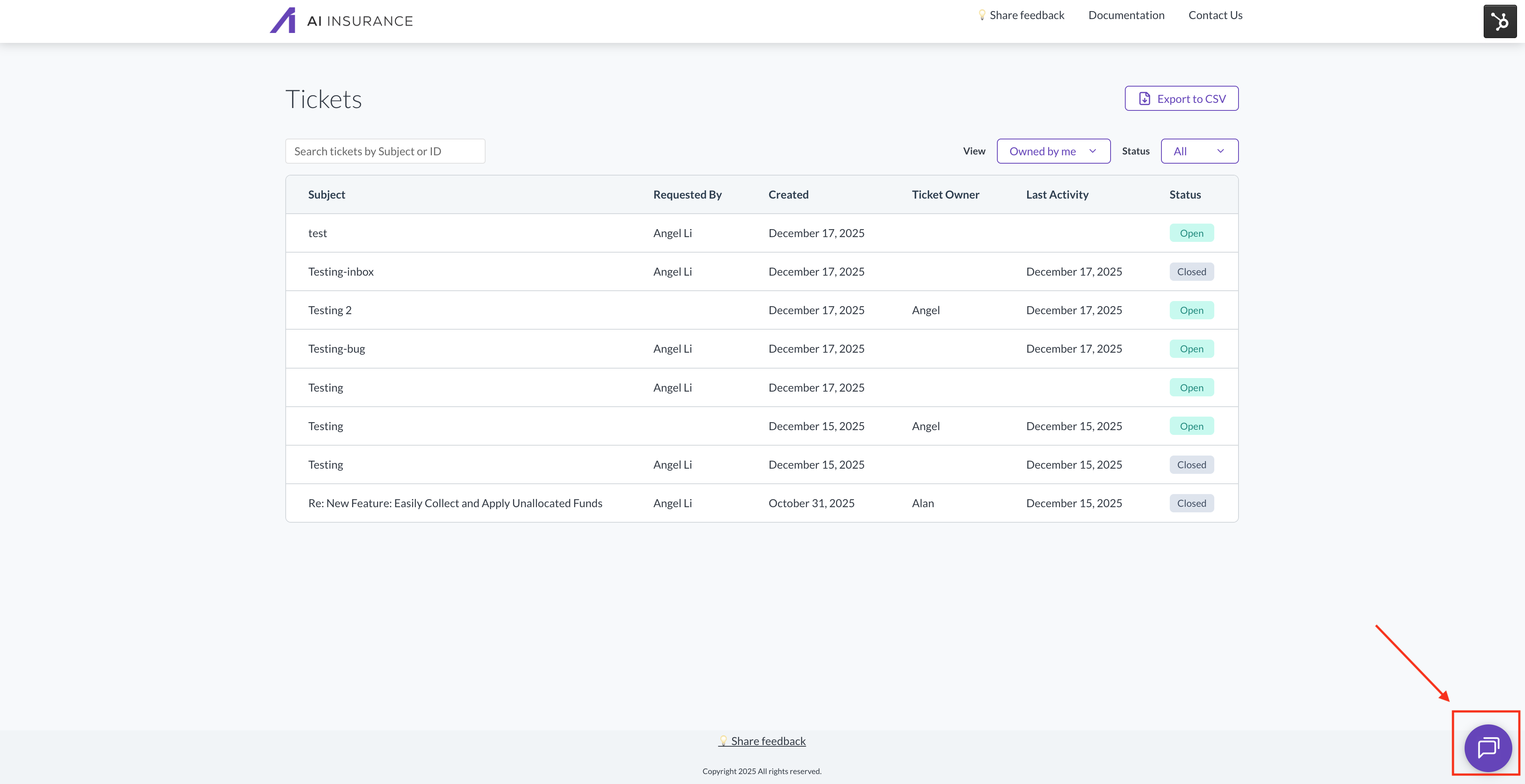
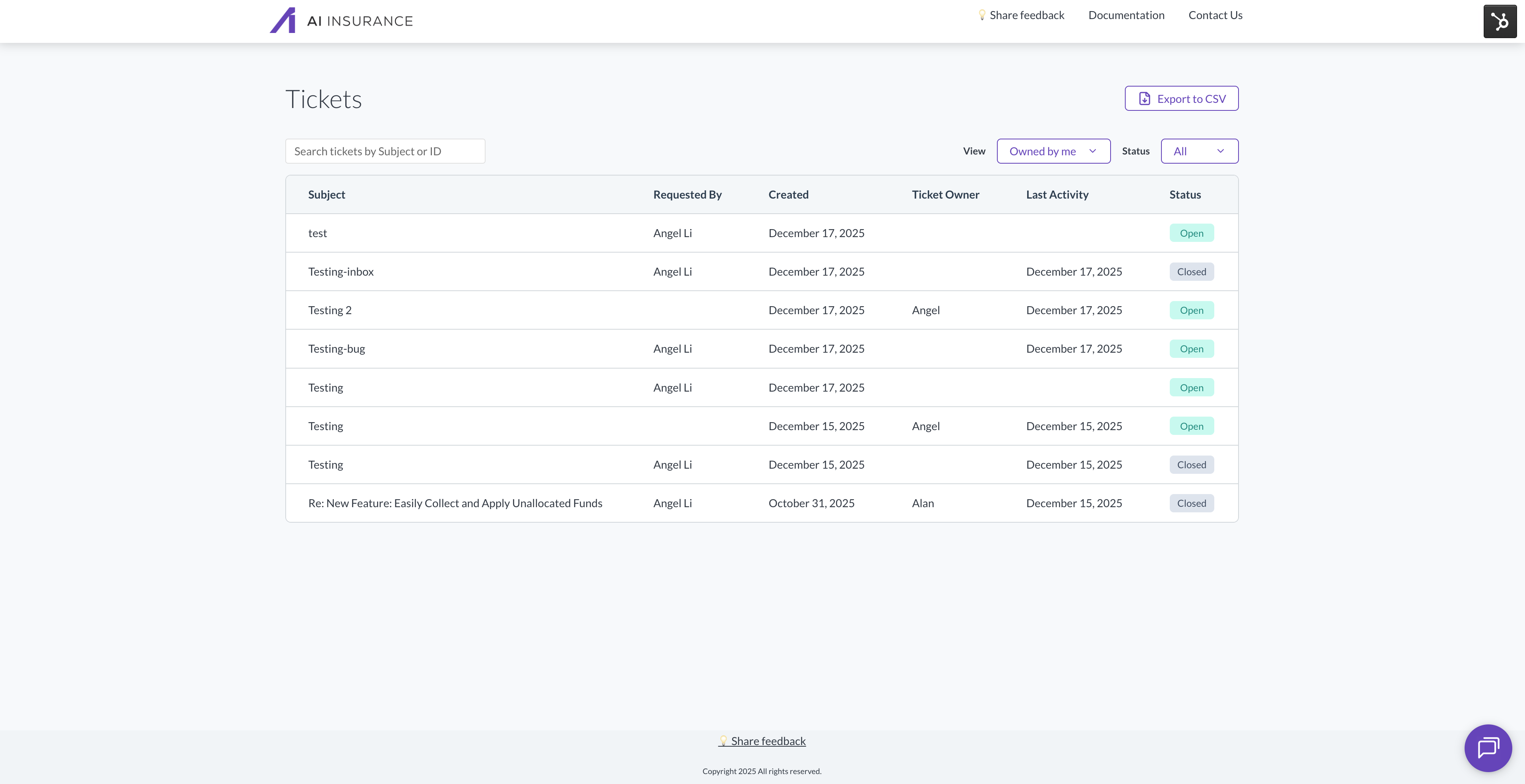 **Live Chat**: Use the live chat icon (shown in the image below) to chat with our team for more immediate responses.
 ## How to Set Up Your Support Portal
1. You will receive an invitation email to create your account for the portal
## How to Set Up Your Support Portal
1. You will receive an invitation email to create your account for the portal
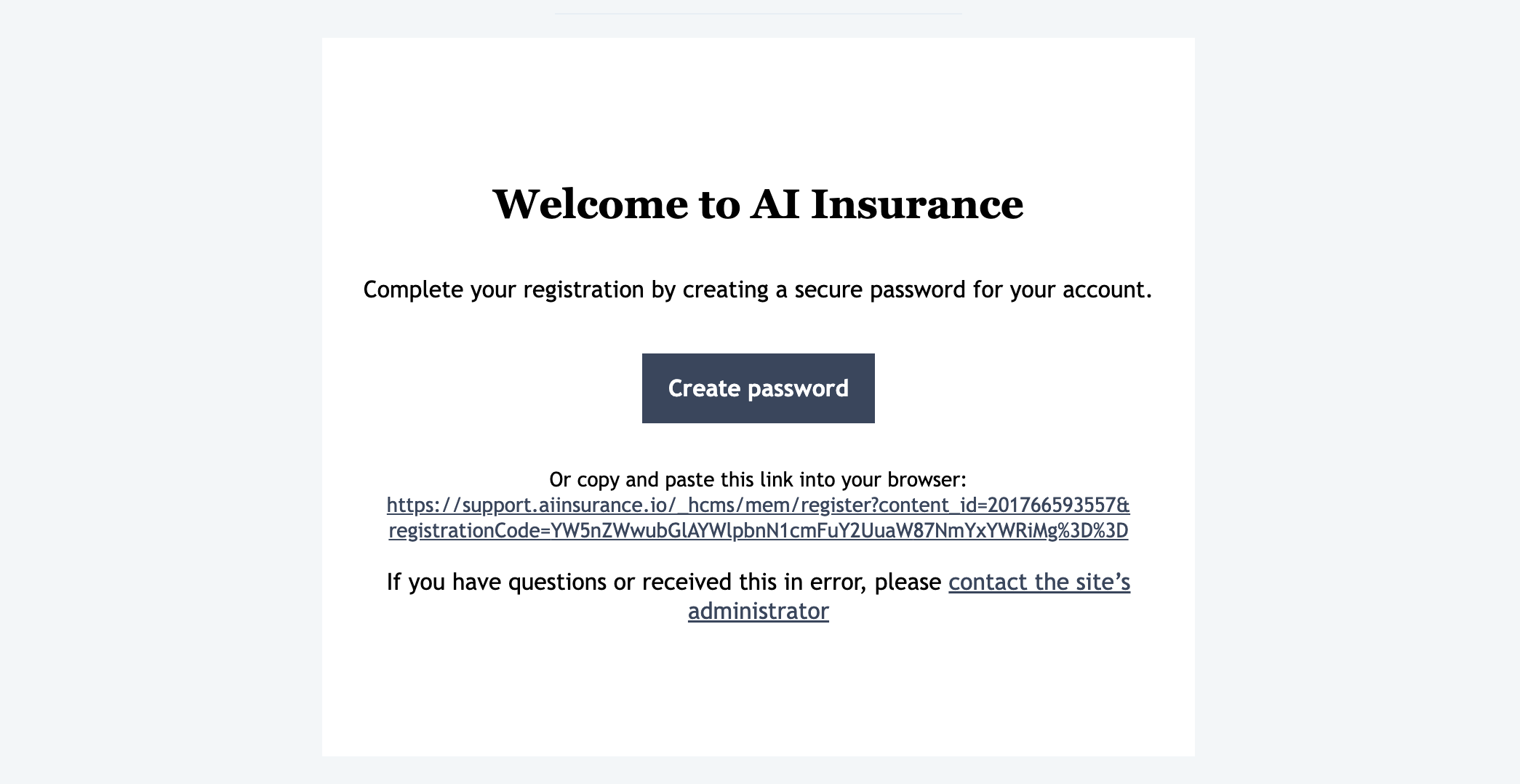 2. Click the link in the invitation email to create your account
3. After creating your account, you will be brought to your portal where you can submit tickets and chat with our support team
For more detailed information about managing customer portal settings, see the [HubSpot Customer Portal documentation](https://knowledge.hubspot.com/inbox/manage-customer-portal-settings).
## What You Can Do in the Portal
* Submit support tickets
* Share feedback
* Track the status of your requests
* Chat with our support team
**Unable to Log In?** If you're not able to log in to the Customer Support Portal, please reach out to support to grant access to this portal.
For additional support options, see [Reach out to Support](/getting-started/troubleshooting-and-support/reach-out-support).
2. Click the link in the invitation email to create your account
3. After creating your account, you will be brought to your portal where you can submit tickets and chat with our support team
For more detailed information about managing customer portal settings, see the [HubSpot Customer Portal documentation](https://knowledge.hubspot.com/inbox/manage-customer-portal-settings).
## What You Can Do in the Portal
* Submit support tickets
* Share feedback
* Track the status of your requests
* Chat with our support team
**Unable to Log In?** If you're not able to log in to the Customer Support Portal, please reach out to support to grant access to this portal.
For additional support options, see [Reach out to Support](/getting-started/troubleshooting-and-support/reach-out-support).