> ## Documentation Index
> Fetch the complete documentation index at: https://docs.aiinsurance.io/llms.txt
> Use this file to discover all available pages before exploring further.
# Edit Events
Follow these steps to edit your events:
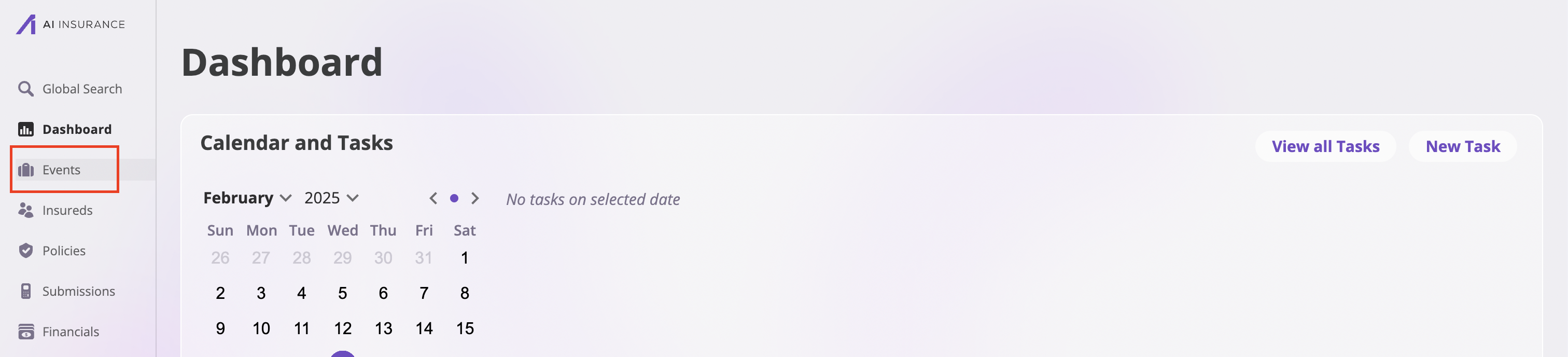
1. Navigate to the **Events** page by clicking the **Events** tab on the sidebar to see all your events.
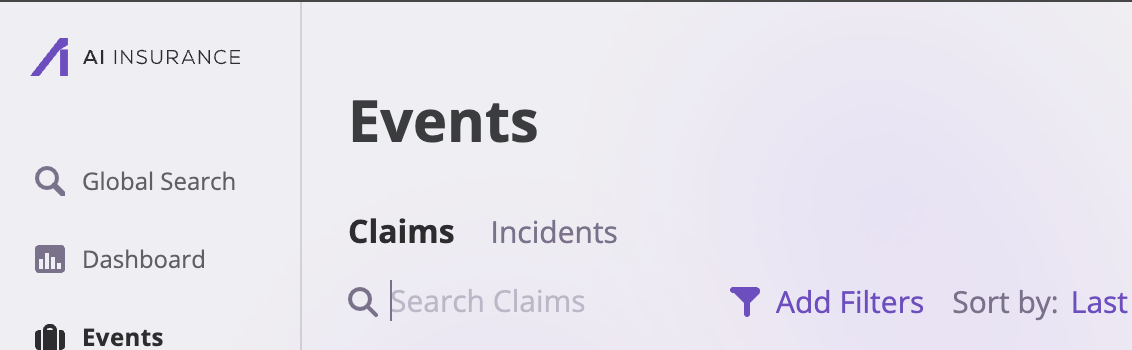
 2. Select the group of Events - **Claims** or **Incidents** - that holds the specific event you want to edit.
 3. Select the Event you wish to edit.
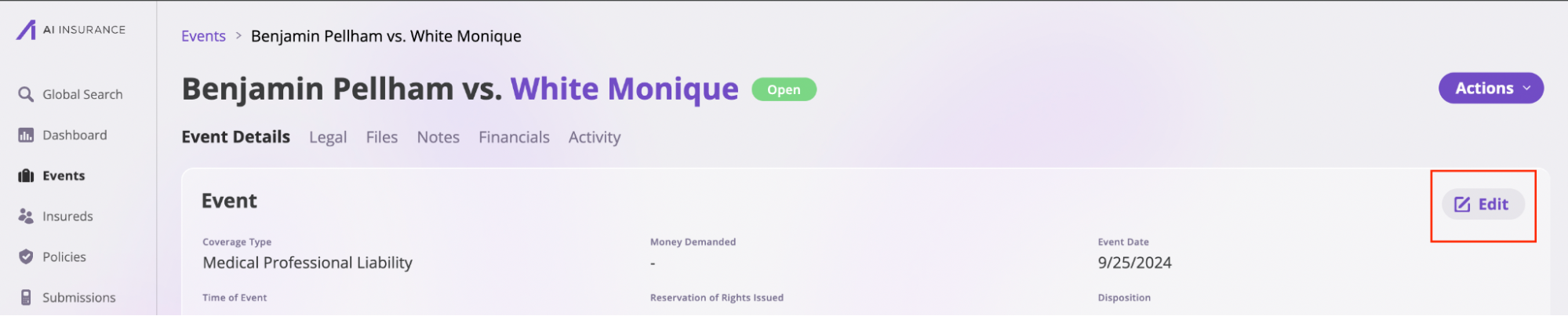
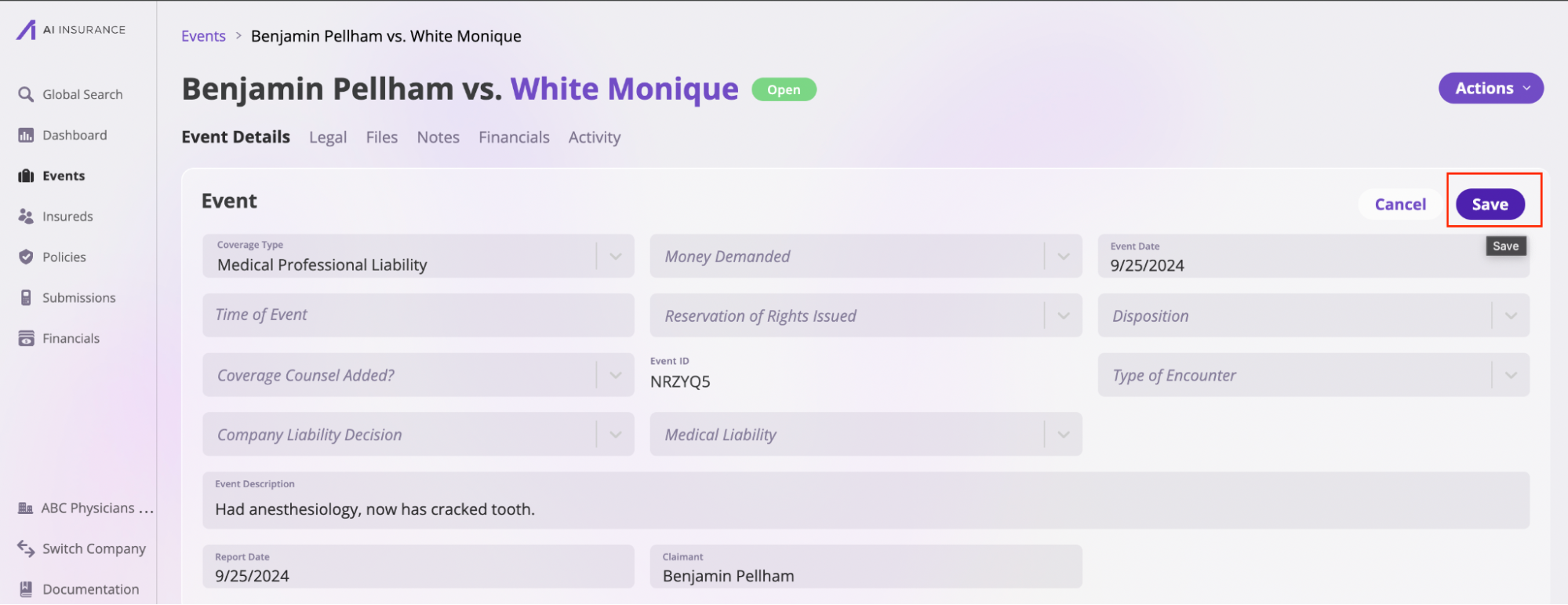
 4. [An event page](/events/view-events) has six tabs: **Event Details**, **Legal**, **Files**, **Notes**, **Financials**, and **Activity**. The **Event Details** and **Legal** sections are split into small sections, each with an **Edit** button. Click on the button, modify the sections, and click the **Save** button to edit the information.
 5. You can also edit the information in the [Files](/platform/components/files) and [Notes](/platform/components/notes) sections. Refer to their respective documentation to learn more.